The Easiest Way to Design, Simulate & 3D Print Your Own Robots
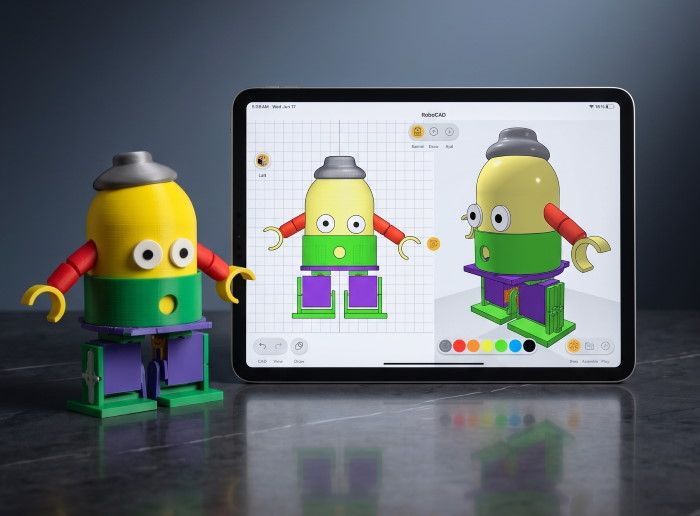
RoboCAD is an upcoming robotics design app that will let anyone ages 9+ design their own robots and machines, simulate how they move, and 3D print functional parts to bring them to life. No complicated CAD, coding, or electronics experience needed.
Get an exclusive discount
We're launching soon. Get an exclusive discount by signing up now!
From Idea to Real Robot in 3 Simple Steps
Design
Use RoboCAD's simple tools to build your robot's structure. Add gears, joints, motors, wheels, and linkages.
Simulate
Test and visualize motion digitally to see how your creation will move and function.
Build
Export to STL/3MF, 3D print your design, assemble it, and explore real robotic motion.
Designed So a 9-Year-Old Can Use It
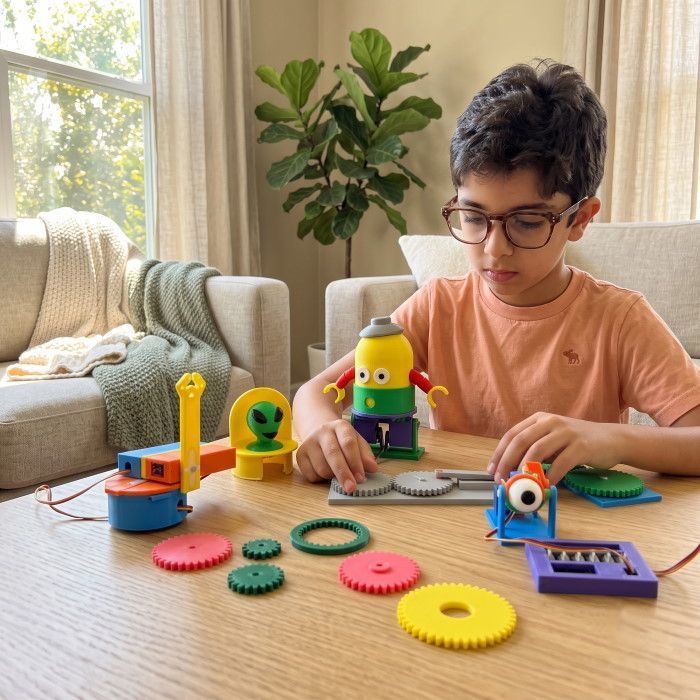
Traditional CAD tools overwhelm beginners with complex controls and steep learning curves. RoboCAD strips all of that away with a visual, intuitive interface designed for first-time makers. Less time learning menus, more time building robots.
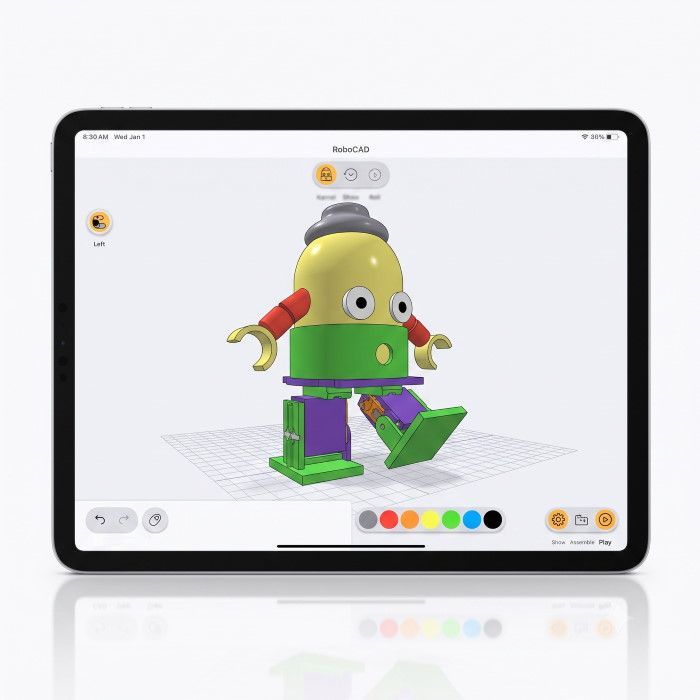
Test Your Robot's Motion Before You Print a Single Part
RoboCAD's built-in motion simulation lets you watch your creation move digitally. See how gears mesh, how linkages flex, and how your walker actually walks. Experiment freely, iterate fast, and save materials by getting it right on screen first.
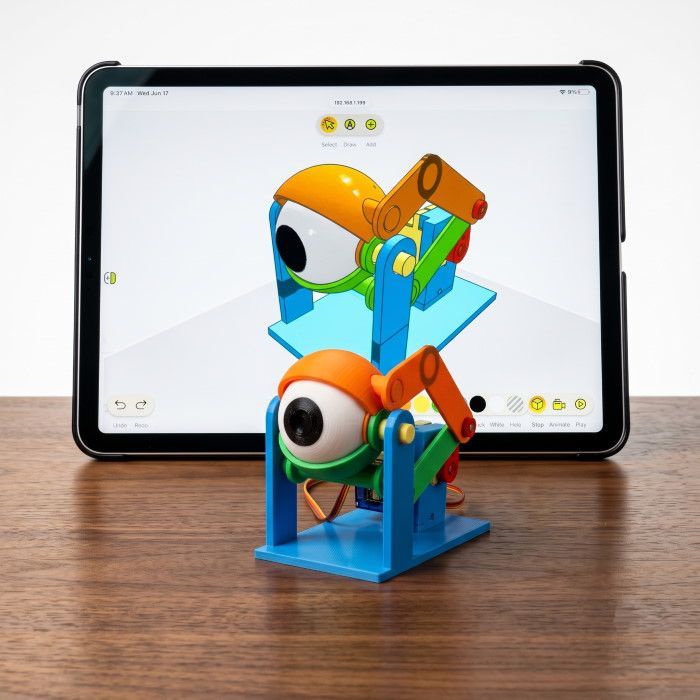
Go From Idea to Real Robot
Design your robot, simulate its motion, then export print-ready STL or 3MF files straight to your 3D printer. It's the same design-simulate-build workflow used by professional engineers, now accessible to kids, families, and makers everywhere.
From the Creators of ToyCAD
We built ToyCAD to make 3D design accessible to beginners. Now we're bringing that same philosophy to robotics.
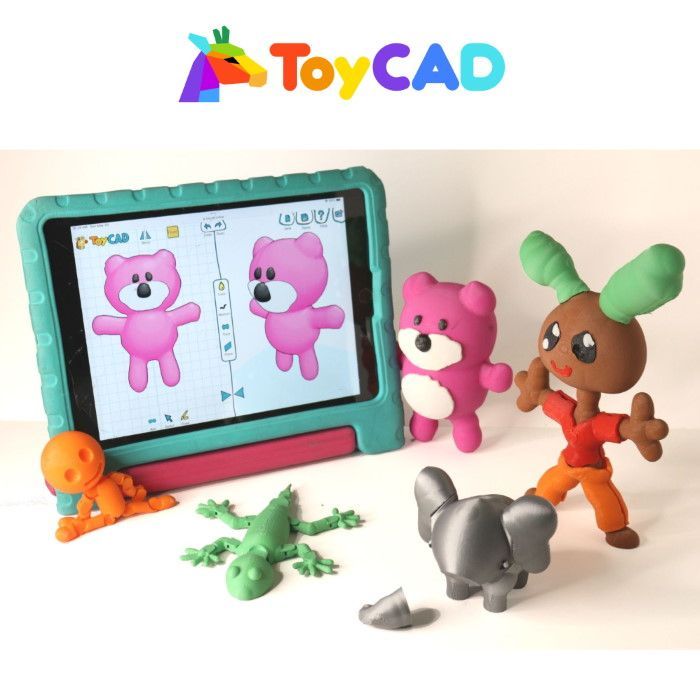
Imagine → Design → 3D Print toys
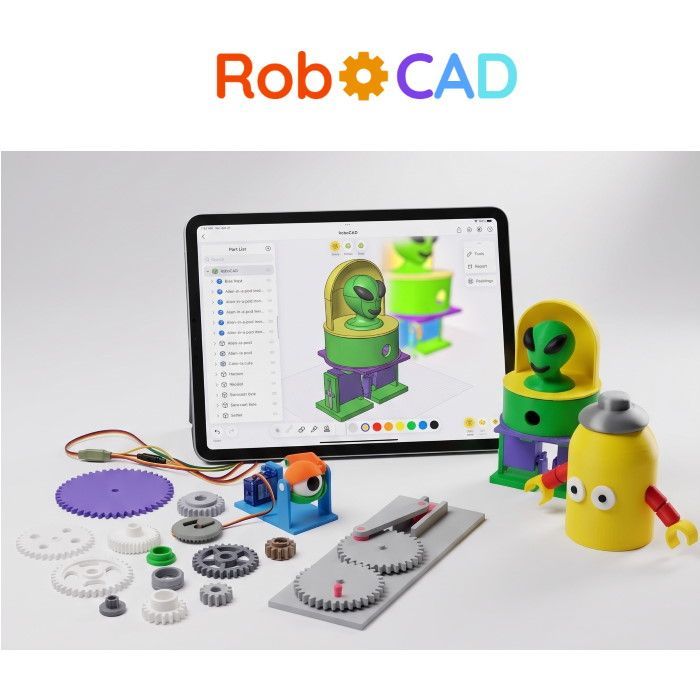
Design → Simulate → 3D Print → Build robots
ToyCAD Testimonials
RoboCAD is being created by the team behind ToyCAD, where thousands of young creators are already designing and 3D printing their own ideas.
12,000+ users · 881 Kickstarter backers · $58K+ raised
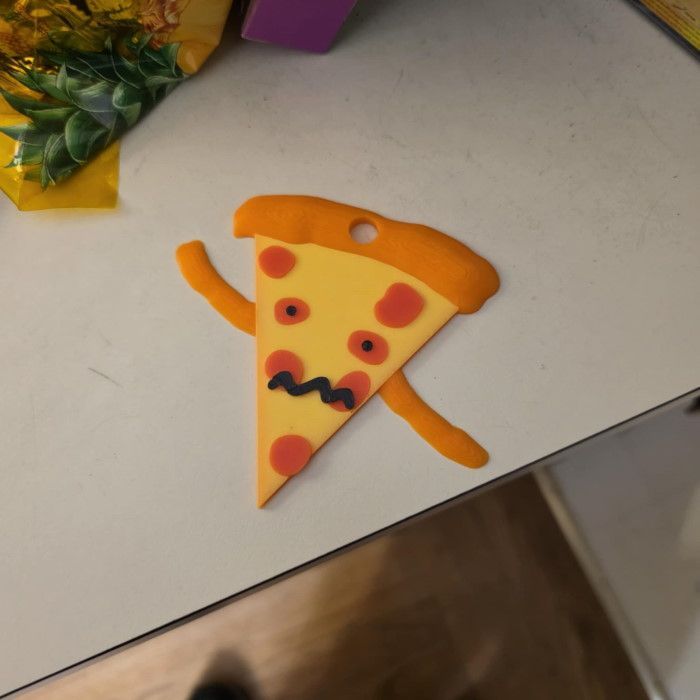
“I was amazed to see how fast they picked it up.”
“My girls 8 and 6 love it and we printed a couple items they made.”
— Aaron W., ToyCAD parent
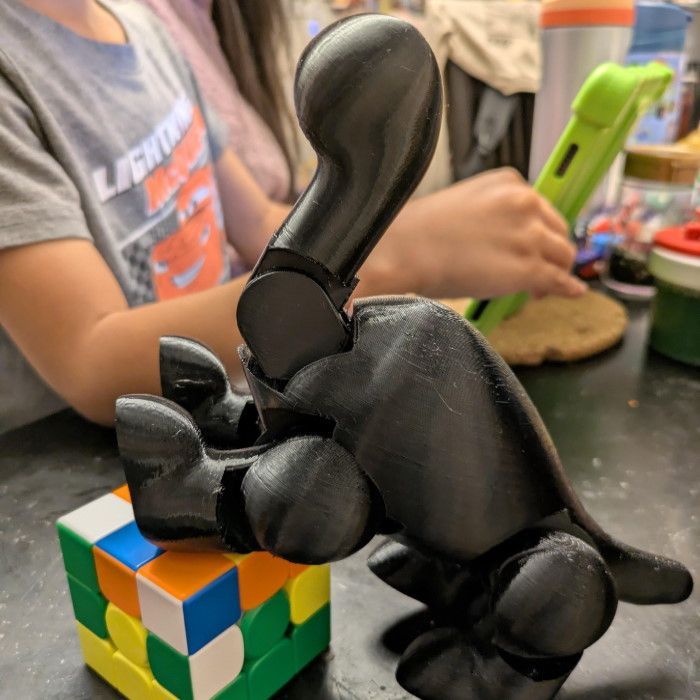
“The tutorials and library models make it easy to get started.”
“I’m excited to give this more time by myself, but also with my kid.”
— Jason P., ToyCAD parent
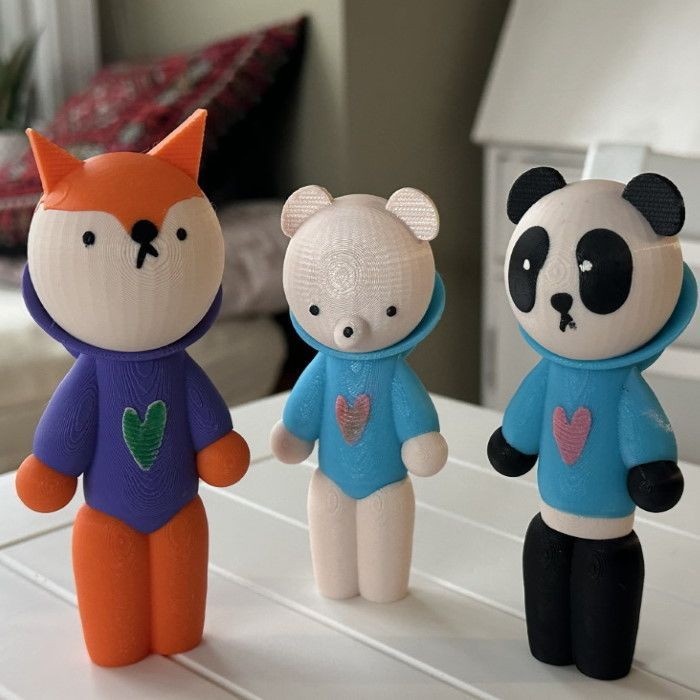
“It’s amazing to see the joy in his eyes when I hand him something he designed himself.”
— Michael J., ToyCAD parent
Get an exclusive discount
We're launching soon. Get an exclusive discount by signing up now!
Turn Screen Time Into Build Time
Learn Real Robotics
Design robot arms, grippers, walkers, and vehicles while mastering the fundamentals of mechanical motion and engineering.
Bring STEM Projects to Life
Create impressive science fair and STEM projects with mechanisms that actually move and function.
Build Together as a Family
Design, print, and build robots together for family STEM activities with real-world impact.
One Tool. Endless Robots.
Build something new everyday, all you need is a 3D printer, RoboCAD and some affordable standard components such as servos and motors
Cute Owl Robot
Swimming Dolphin
Skiing Man
Built for Curious Minds of Every Kind
First-Time Robot Builder?
No CAD, mechanical engineering, coding, or electronics experience required. Start with guided projects and grow into designing your own machines.
Young Inventor?
Perfect for kids ages 9-16 ready to go beyond tutorials and start building real robots.
3D Printing Maker?
Add functional robotics to your 3D printing projects with servo motor add-ons that require zero coding.
Get an exclusive discount
We're launching soon. Get an exclusive discount by signing up now!
The Easiest Way to Design, Simulate & 3D Print Your Own Robots
RoboCAD is the robotics design app that lets anyone ages 9+ create gears, linkages, robot arms, grippers, and walkers, test their motion digitally, and 3D print functional parts to bring their inventions to life. No coding or electronics experience needed.
Get an exclusive discount
We're launching soon. Get an exclusive discount by signing up now!
One Tool. Endless Robots.
With RoboCAD, you can design and 3D print the structure and mechanical parts you need, then combine them with affordable standard components such as servos and motors.
Build a walking robot today. A robotic arm tomorrow. A gripper, rover, drawing machine, animatronic character, or something nobody has built before.
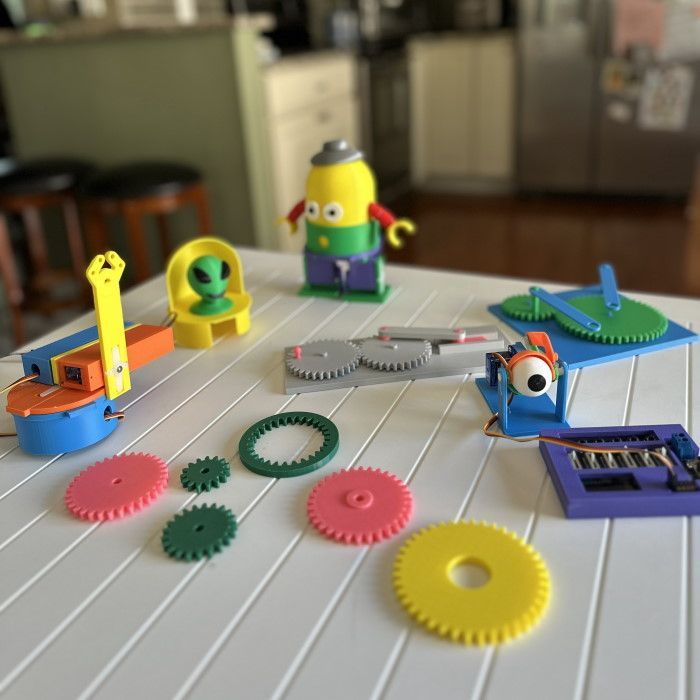
So Simple a 9-Year-Old Can Use It
Traditional CAD tools overwhelm beginners with complex controls and steep learning curves. RoboCAD strips all of that away with a visual, intuitive interface designed for first-time makers. Less time learning menus, more time building robots.
Test Your Robot's Motion Before You Print a Single Part
RoboCAD's built-in motion simulation lets you watch your creation move digitally. See how gears mesh, how linkages flex, and how your walker actually walks. Experiment freely, iterate fast, and save materials by getting it right on screen first.
Go From Idea to Real Robot in Minutes
Design your robot, simulate its motion, then export print-ready STL or 3MF files straight to your 3D printer. It's the same design-simulate-build workflow used by professional engineers, now accessible to kids, families, and makers everywhere.
From Idea to Real Robot in 3 Simple Steps
Step 1
Use RoboCAD's simple tools to build your robot's structure. Add gears, joints, wheels, and linkages.
Step 2
Test and visualize motion digitally to see how your creation will move and function.
Step 3
Export to STL/3MF, 3D print your design, assemble it, and explore real robotic motion.
Get an exclusive discount
We're launching soon. Get an exclusive discount by signing up now!
Turn Screen Time Into Build Time
Learn Real Robotics
Design robot arms, grippers, walkers, and vehicles while mastering the fundamentals of mechanical motion and engineering.
Win the Science Fair
Create impressive STEM competition and science fair projects that actually move and function.
Build Together as a Family
Design, print, and build robots together for family STEM activities with real-world impact.
Built for Curious Minds of Every Kind
STEM Educator?
Guided projects and an intuitive interface make it ideal for classrooms, homeschools, and makerspaces.
Young Inventor?
Perfect for kids ages 9-16 ready to go beyond tutorials and start building real robots.
3D Printing Maker?
Add functional robotics to your 3D printing projects with servo motor add-ons that require zero coding.
Get an exclusive discount
We're launching soon. Get an exclusive discount by signing up now!
From the Creators of ToyCAD
We built ToyCAD to make 3D design accessible to beginners. Now we're bringing that same philosophy to robotics.
Imagine → Design → 3D Print toys
Design → Simulate → 3D Print → Build robots
ToyCAD Testimonials
RoboCAD is being created by the team behind ToyCAD, where thousands of young creators are already designing and 3D printing their own ideas.
“I was amazed to see how fast they picked it up.”
“My girls 8 and 6 love it and we printed a couple items they made.”
— Aaron W., ToyCAD parent
“The tutorials and library models make it easy to get started.”
“I’m excited to give this more time by myself, but also with my kid.”
— Jason P., ToyCAD parent
“It’s amazing to see the joy in his eyes when I hand him something he designed himself.”
— Michael J., ToyCAD parent
Get An Exclusive Discount
We're Launching Soon. Get an exclusive discount by signing up now!